Jobs Page
The public jobs page JobPress creates for you, with search, category and type filters, and pagination.
The Jobs Page is the main careers page of your site: every open job, with
search and filters at the top. JobPress creates it on activation as
Jobs Listing (/jobs-listing/). Add it to your site menu as “Careers” or
“Jobs”.
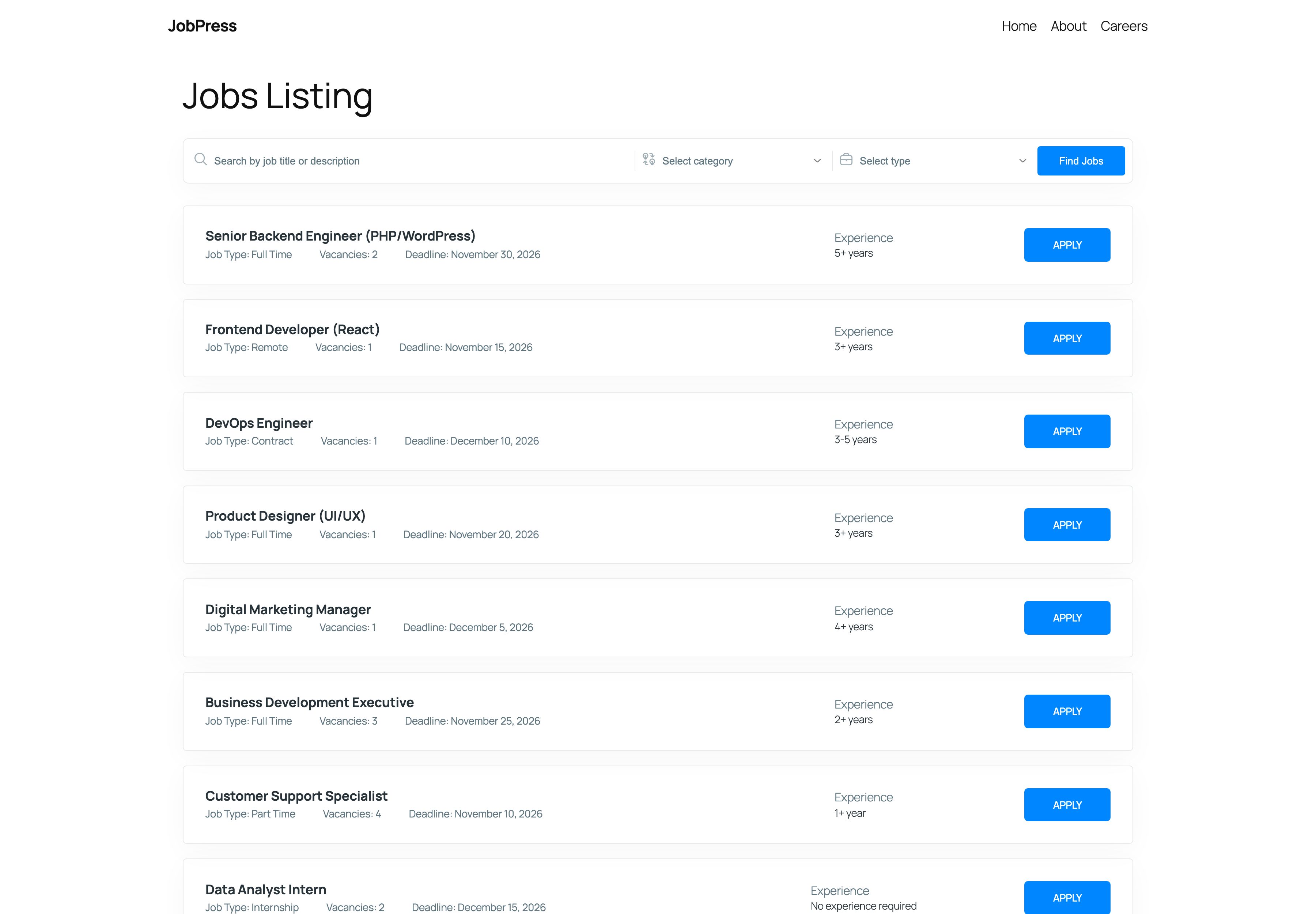
Search and filters
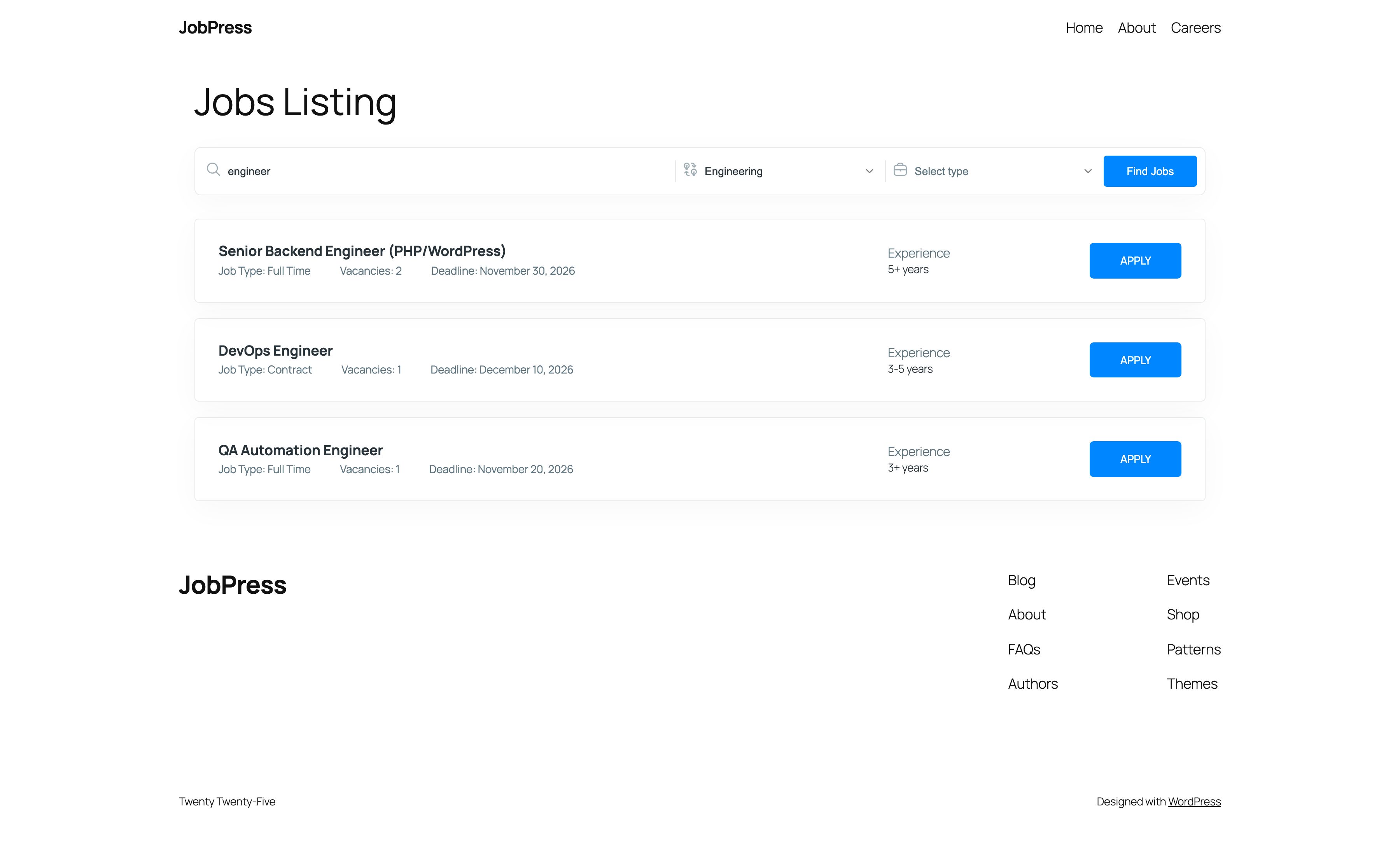
The bar at the top has three parts that work together:
- Search by job title or description - finds jobs by keyword.
- Select category - shows one job category.
- Select type - shows one job type.
Click Find Jobs to see the results.
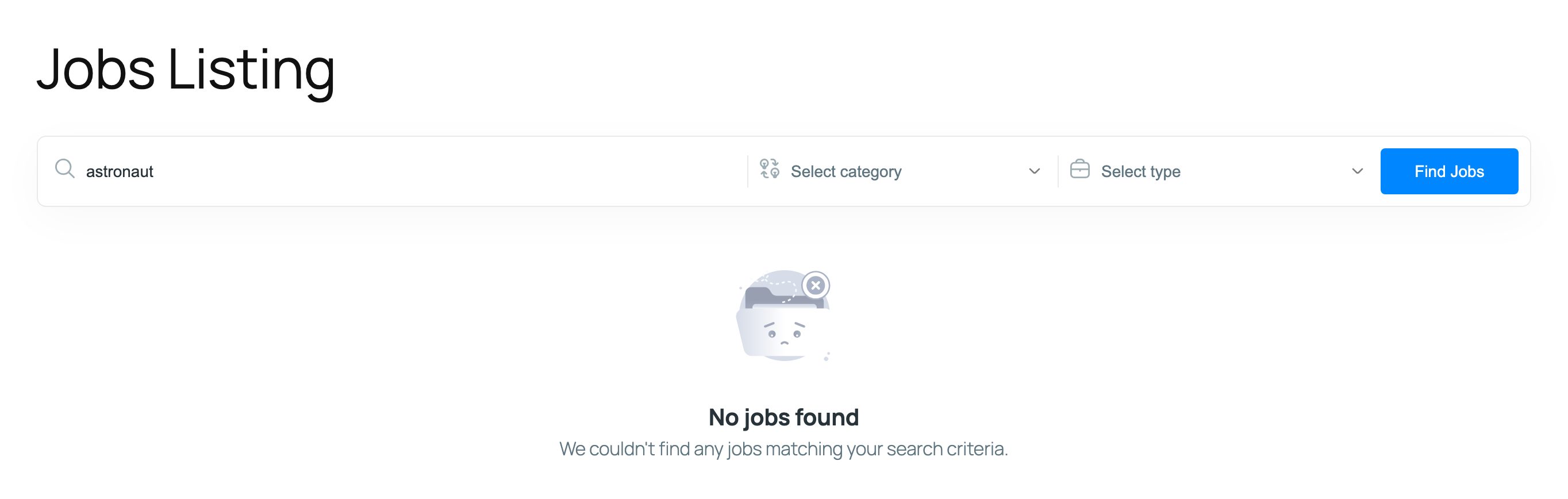
When nothing matches, visitors see No jobs found and can change their search.
Job cards
Each card shows the job title, Job Type, Vacancies, Deadline, Experience, and an Apply button that opens the job page. Hide any of these details, or change the button text, under Settings → Shortcodes → Listing Defaults. The options marked (also on the jobs archive) apply here.
The page shows 10 jobs at a time, with page numbers underneath. Change the number with Jobs Per Page in Settings → General.
Choosing a different page
Pick any page under Jobs Page in Settings → General. The page keeps its own title, but JobPress replaces its content with the jobs layout above, so the page’s own content isn’t shown.
Listings elsewhere point here
A shortcode, block, or Elementor widget listing can show a search bar and a View all jobs link. Both open the Jobs Page, so it is the one place visitors search every opening.