Introduction
JobPress is a free WordPress plugin that turns your site into a company job board and careers page - jobs, applications, and five listing designs.
Welcome to the JobPress documentation. JobPress is a free WordPress plugin that adds a careers section to your own website: post your openings from wp-admin, and visitors browse, search, and apply on a ready-made jobs page.
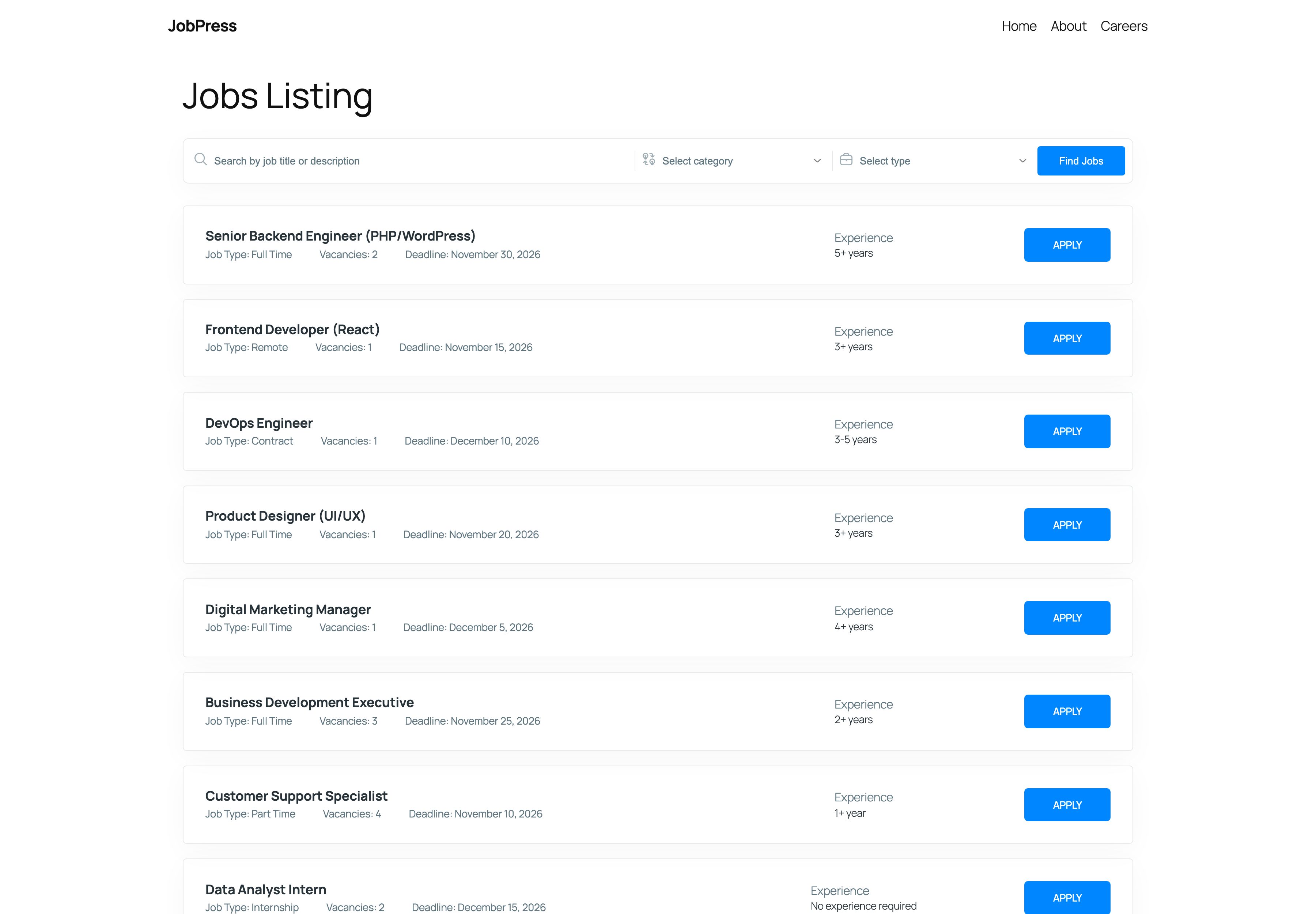
What you get
- Jobs - post openings like WordPress posts, with vacancy, experience, salary, working hours, deadline, location, and a Google map.
- Categories and types - group jobs by team (Engineering, Design…) and by type (Full Time, Remote…).
- Jobs Page - a public jobs page, created for you, with search and category and type filters.
- Single job page - a job summary sidebar and an apply section, by email or with a Contact Form 7 form.
- Listing designs - five layouts, from a compact list to a card grid, and you can mix them on one page.
- Shortcode - show a job listing anywhere with
[jobpress], filtered by category, type, or hand-picked jobs. - JobPress Jobs block - the same listing in the block editor, with a live preview and style controls.
- Elementor widget - the same listing in Elementor, with full Style tab controls.
- Settings - your jobs page, application text, brand colors, and what every listing shows by default.
Requirements
| Requirement | Version |
|---|---|
| WordPress | 5.6 or higher (tested up to 7.1) |
| PHP | 7.4 or higher |
| JobPress Jobs block | WordPress 6.3 or higher |
| Application forms | Contact Form 7 (optional) |
| Elementor widget | Elementor (optional) |
JobPress works with classic and block themes, such as Twenty Twenty-Five.
Next steps
Head to Installation to get JobPress running, then post your first job.