Tags
Manage flexible, non-hierarchical product tags from the frontend dashboard.
Where categories are shelves, tags are sticky notes - summer, organic, gift idea. A product can carry as many as you like. Manage them under Products → Tags.
The tags list
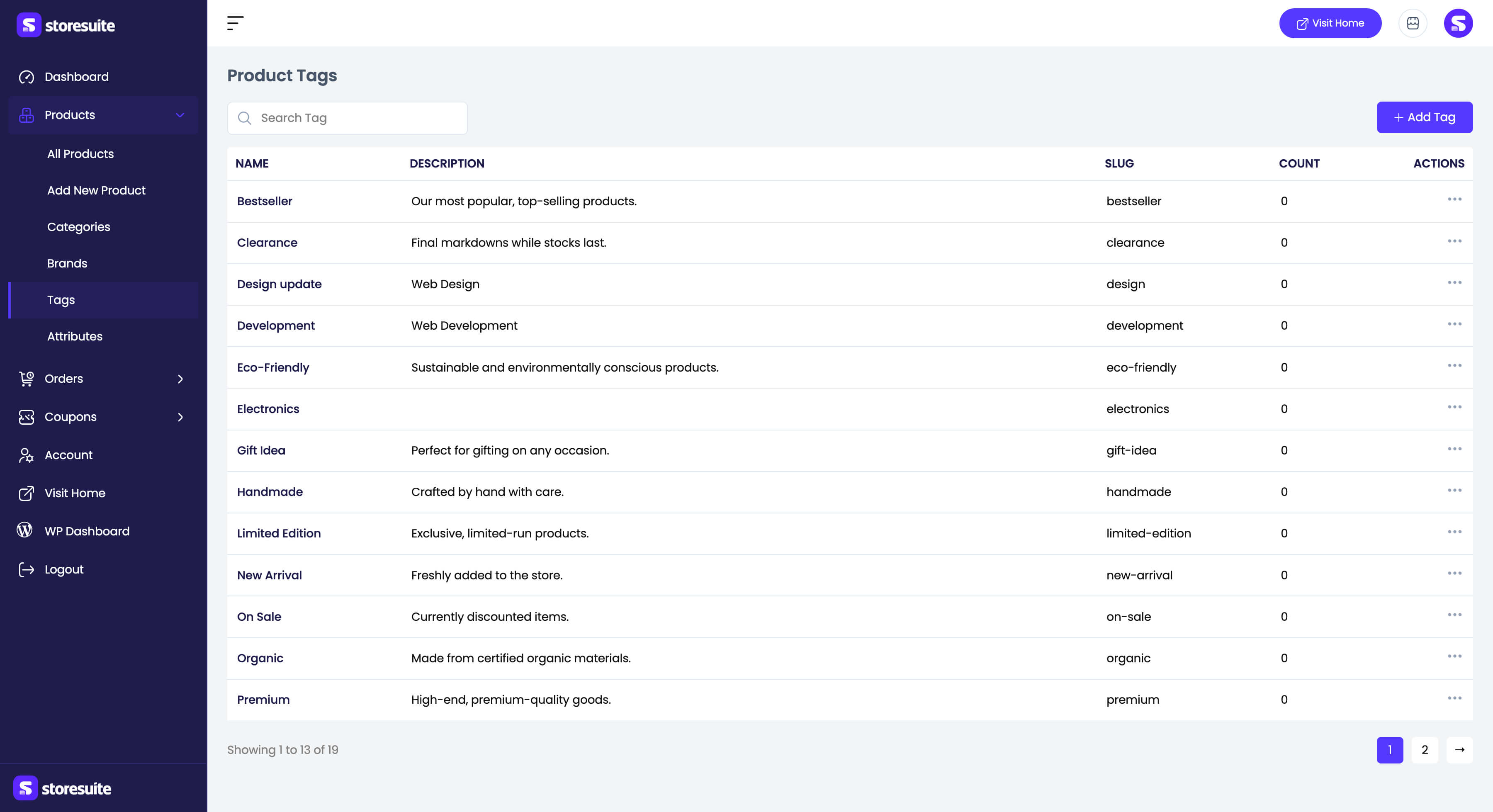
| Column | What it tells you |
|---|---|
| Name | The tag |
| Description | Optional descriptive text |
| Slug | The URL-friendly name |
| Count | How many products carry the tag |
Tags have no images and no hierarchy - that is the point. Search Tag finds one instantly; row actions offer View, Edit, Quick edit, and Delete, and bulk selection can delete several at once.
Adding and editing a tag
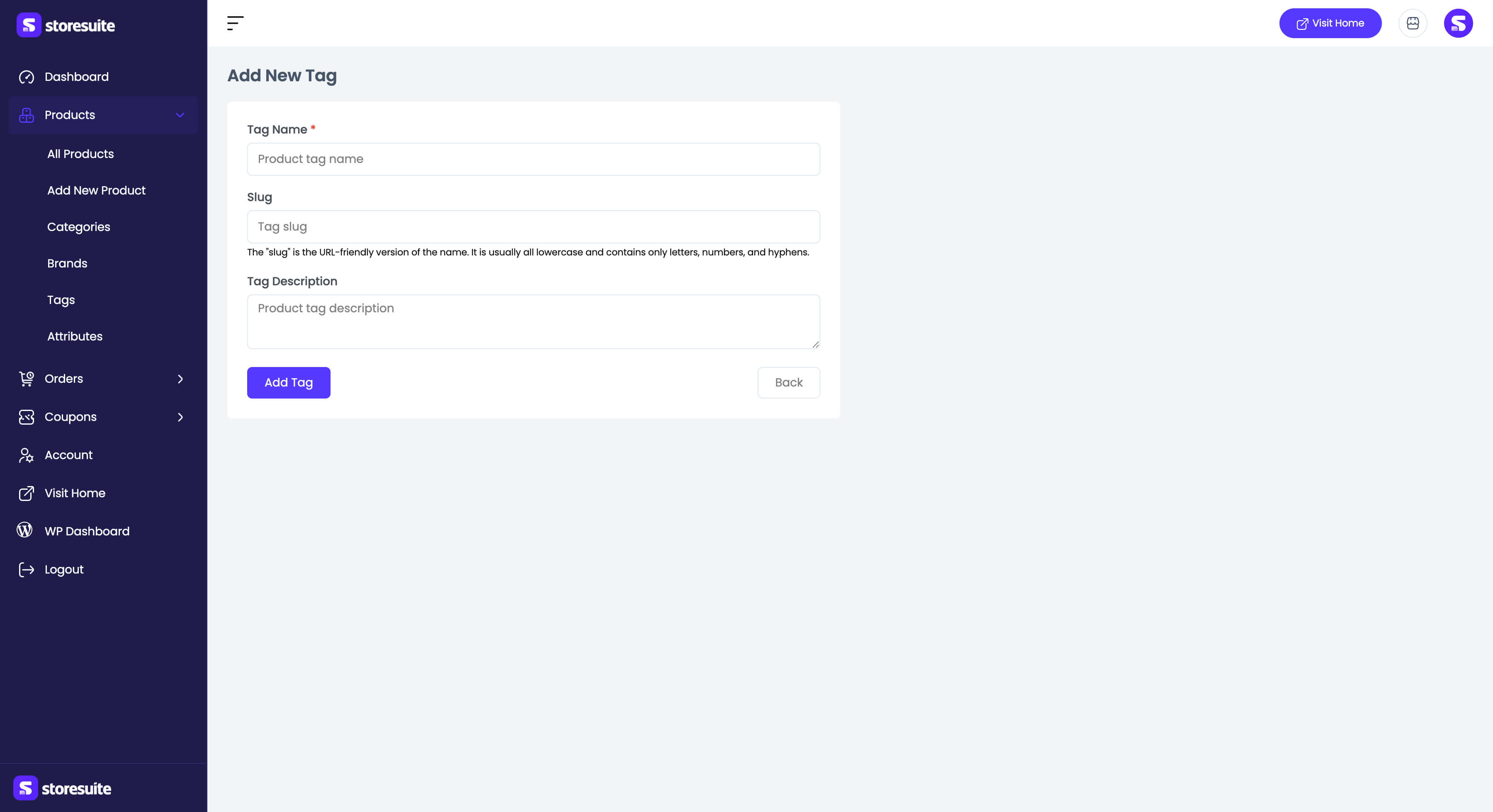
The shortest form in StoreSuite:
- Tag Name (required)
- Slug - generated from the name when left blank
- Tag Description
Tip
You do not have to come here to create tags - typing a new tag in a product’s Tags field creates it on the fly. This page is where you tidy up afterwards.